Play pads and notes live, record takes into the playing pattern, and undo what you do not keep.
Takes are quantised to the pattern's own grid, swung or straight.
pads
Press ARP. Keys 1–11 are the pads; hold REC as you hit for an accent.
cuts
B1–B4 mute drum groups, B8–B11 kill whole players.
sections
B6 B7 step through the song's sections; the change lands on the bar.
1arm
On PLAY or STEPS with KIT A or KIT B selected, press REC + SEQ. If stopped, BB1 starts playing.
2count in
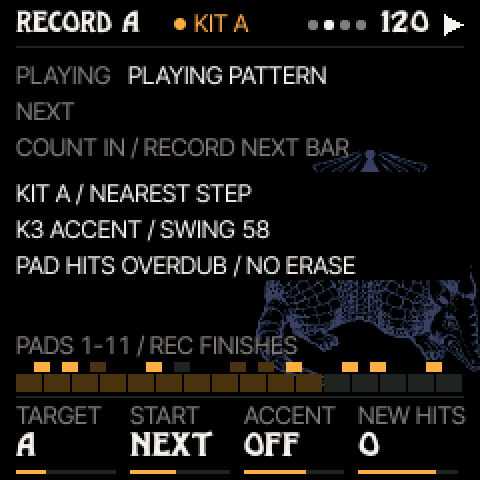
It counts in to the next bar: COUNT IN / RECORD NEXT BAR.
3play the pads
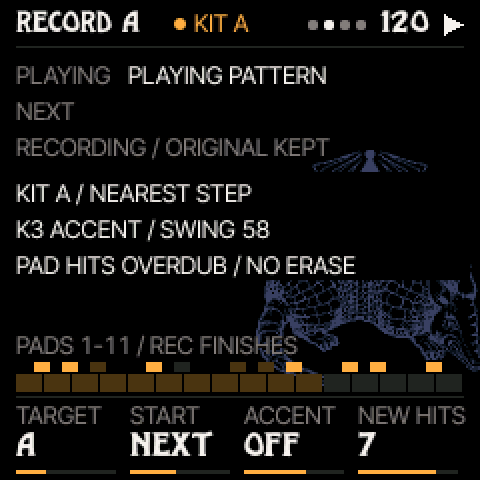
Hit pads 1–11. Hits land on the nearest step and add to the pattern; nothing is erased.
4finish
Press REC to finish. The music keeps playing.
5keep or discard
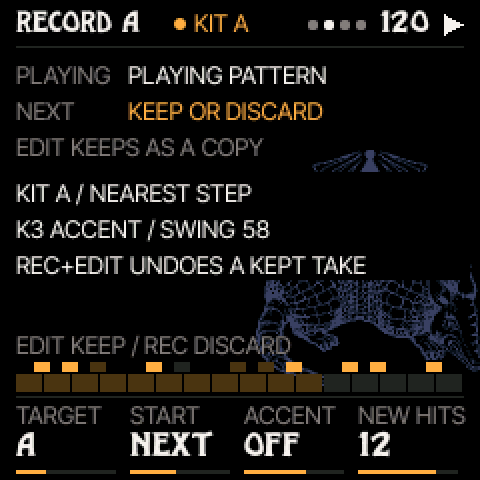
EDIT keeps the take as a copy: TAKE QUEUED · NEXT LOOP, then TAKE APPLIED · REC+EDIT UNDO. REC discards it.
6undo
REC + EDIT undoes a kept take.
record with swing

Swing can stay on while you record. Hits are placed on the swung grid of the pattern as it plays.
The record page shows the swing the take uses, for example K3 ACCENT / SWING 58; half steps show as .5.
accent
K3 turns ACCENT on for every hit of the take.
set up
On SONG, REC opens the setup: K1 TARGET A or B, K2 START NOW or NEXT, K3 ACCENT, K4 LAYER on.
go
REC starts, HOME cancels. EDIT keeps the take in the row; REC discards it.
a take
A pattern holds up to 128 hits: 128 HITS FULL / TAKE REFUSED.
Pads a kit does not have are refused: PAD NOT IN THIS KIT.
Undo keeps the last eight edits and takes.